

How to pause Taseli
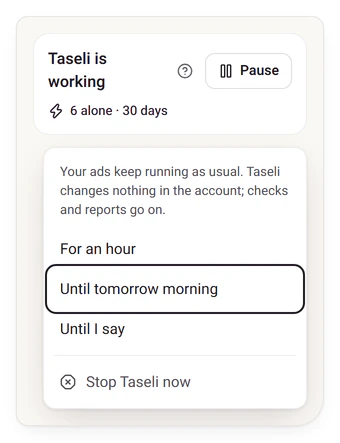
Pause for an hour, until tomorrow morning, or until you say, from Settings or WhatsApp. Your ads keep running and no new change goes in.
On this page
What stops and what goes on
| During a pause | |
|---|---|
| Changes to your account | Stop |
| New suggestions | Stop |
| Reading the account, alerts, and the automatic undo of a change that hurt | Go on |
Pause from the app
Only the business's owners and admins can pause.
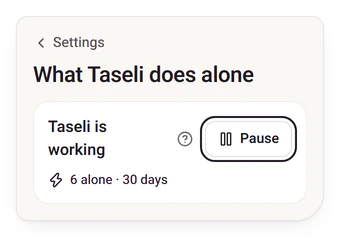
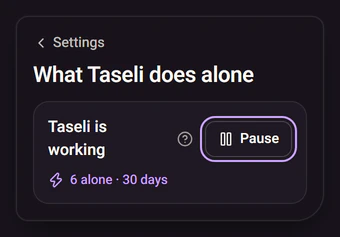
In Settings › “What Taseli does alone”, on the “Taseli is working” card, tap “Pause”
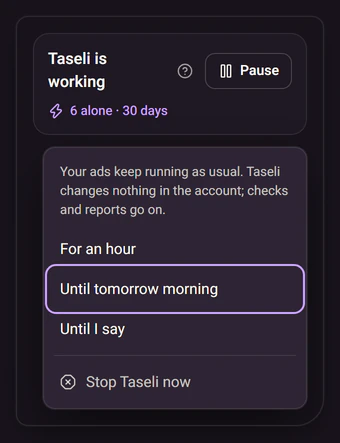
Pick “For an hour”, “Until tomorrow morning” or “Until I say”
The card turns to “Taseli is paused” and shows since when and until when. The top of Home shows it too, with “Resume Taseli”.Tap “Resume Taseli” to come back
You get one line: how many things waited.
Pause from WhatsApp
Do
- “pause”
- “pause Taseli”
- “resume” to come back
Don't
- “stop” alone: that ends messages to you
“Stop” alone means “no messages”, and “start” brings them back. The full list is in WhatsApp commands.
Emergency stop
Want to stop the campaigns themselves? Write “pause all campaigns”. Taseli prepares one decision and you approve it.
Troubleshooting
I paused and a change still went in. A change that started before the pause finishes. Nothing new goes in.
Taseli didn't come back. At the top of Home, or in Settings › “What Taseli does alone”, you see “Taseli paused until…”. Tap “Resume Taseli”.